Track Your Service Request
Enter your Service Request ID and verify with the last 5 digits of your mobile number.
Track Live Service
Enter your Service Request ID to track your assigned technician's live location, view real-time updates, and access your digital invoice.
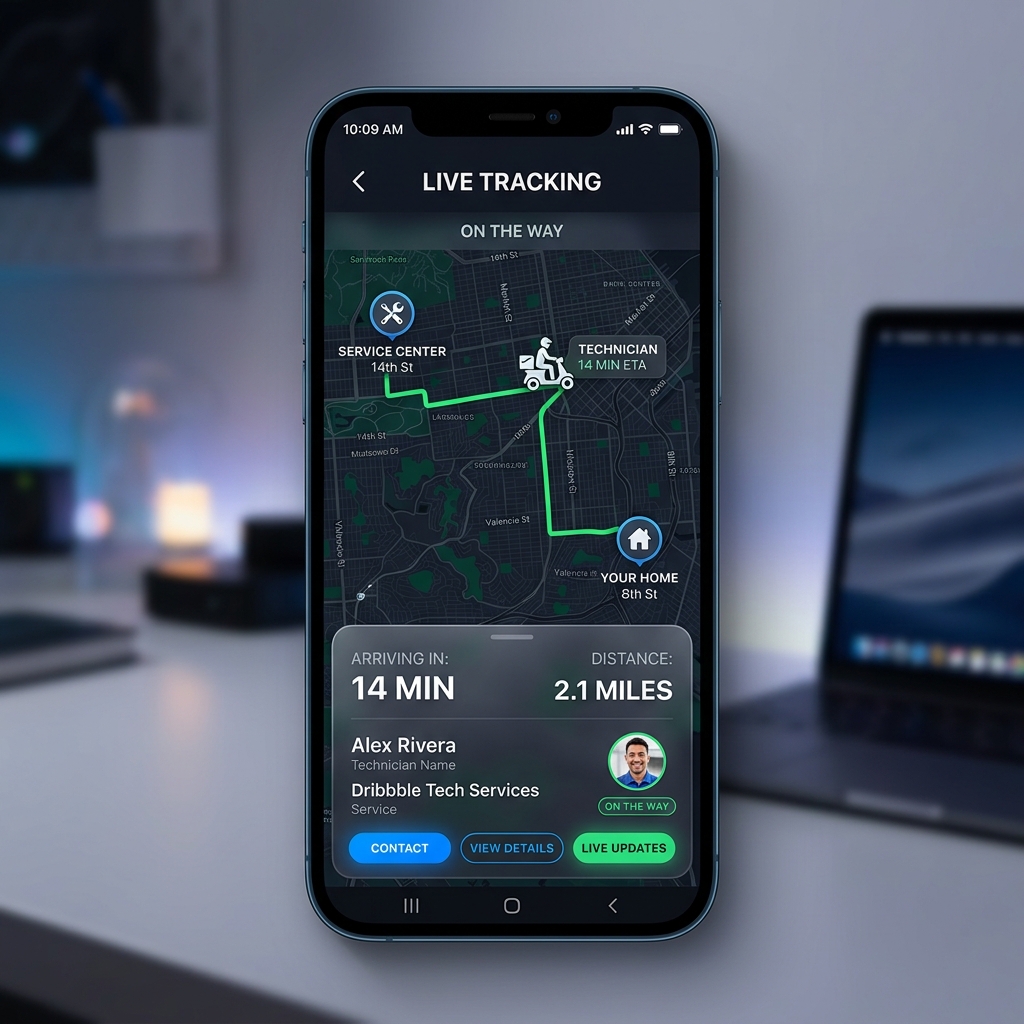
Track in Real-Time
Here is how to monitor your active service bookings and technician assignments.
1. Enter Request ID
Input the unique Lead ID sent to your registered phone number upon booking.
2. Verify Ownership
Authenticate the request by entering the last 5 digits of your customer phone number.
3. Submit Feedback
Access details, assign technician states, and instantly post feedback or escalate tickets.
Booking Status Reference Guide
Frequently Asked Questions
Where can I find my Service Request ID?
Your unique Service Request ID is sent via SMS to your customer phone number immediately after booking a service. It is also displayed on the Booking Success page.
Why do I need to enter the last 5 digits of my mobile?
To ensure security and keep your tracking details private, we verify ownership by checking the last 5 digits of the mobile number linked to the service request.
How do I submit Feedback for my service?
Once your service request is marked as Closed by the technician, the Feedback form will automatically become active on this page. You can rate the service out of 5 stars and leave a detailed comment about your experience.
What happens if I Escalate a service request?
If you are unhappy with the service or face any issues, you can choose "Yes" under Escalation in the Feedback form. This immediately flags the ticket to our senior support team, and you will receive a call within 24 hours to resolve your concern.